// 23 October 2026 · by James Willcocks
One building in London lost power. A news site in Chiswick went with it.
On 20 October, a power failure in one of Google's London data centres knocked out banking apps, couriers, the courts' video hearings and the Chiswick Calendar, a news site I look after, for about six hours. Why a WordPress site lives or dies with one building, why the sites I build now don't, and what that costs.
- · hosting
- · cloudflare
- · infrastructure
- · wordpress
- · static sites
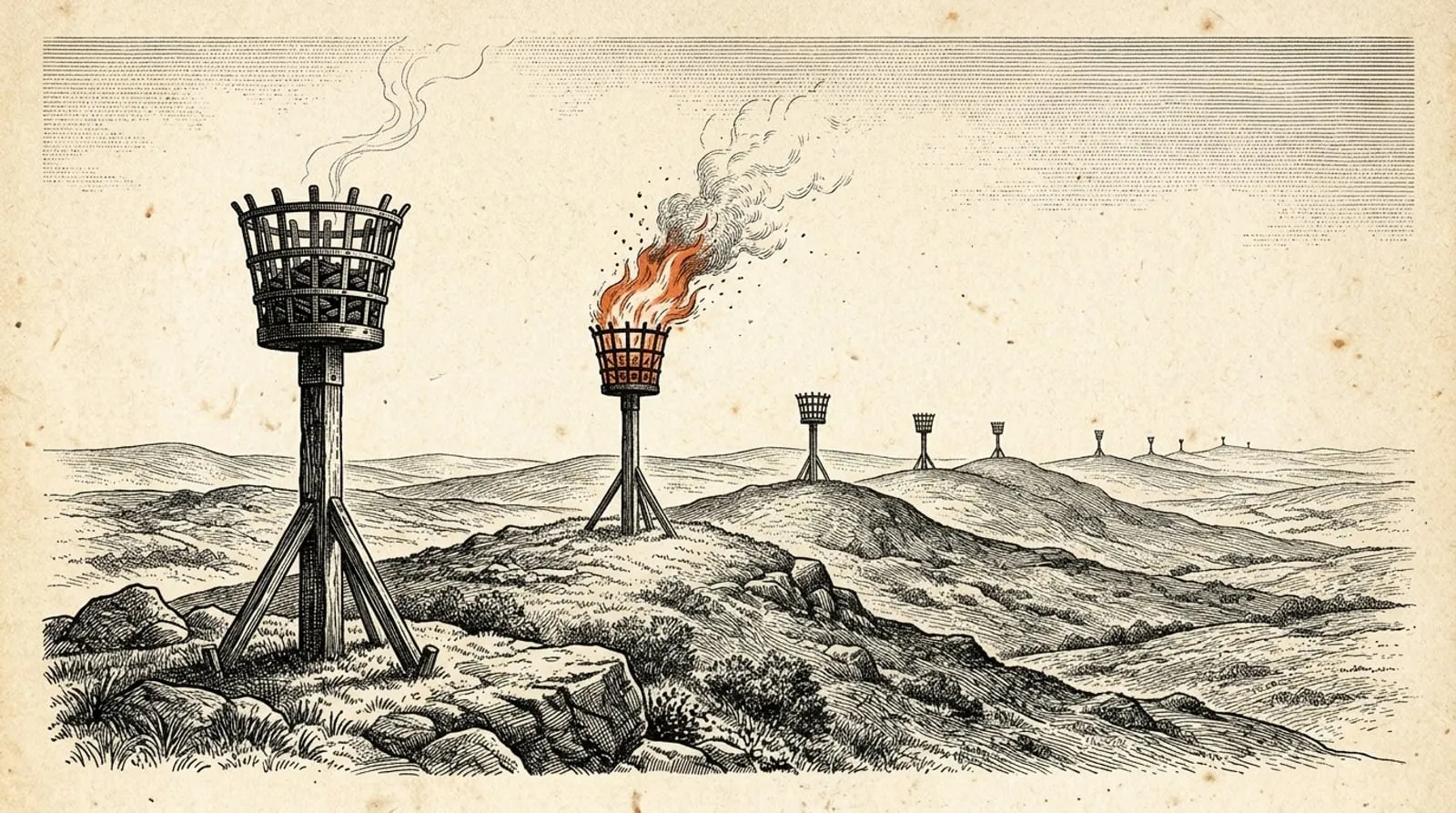
At seven o’clock on Tuesday morning, 20 October, the mains power to a data centre that runs part of Google’s cloud in London was interrupted. That happens. Buildings like that are designed for it: batteries carry the load for a few minutes while diesel generators start up, and nobody outside ever knows.
This time the generators didn’t start. The batteries ran down, and every server in that part of Google’s London cloud switched off.
By mid-morning, Revolut customers couldn’t pay by card or move money, Lloyds and HSBC customers were reporting problems, Royal Mail and DPD were struggling, and the video system the courts in England and Wales use for remote hearings had gone down (Silicon, The Register). So had the Chiswick Calendar, the West London news site where I’ve looked after the development side since 2019. It was offline for about six hours.
I wrote up what happened for the Chiswick Calendar’s readers on the day. This is the version for anyone who owns a website and is wondering whether it could happen to theirs. If your site runs on WordPress, the short answer is yes. Here’s why, and why the sites I build now work differently.
What actually failed
Google splits its London cloud region, which it calls europe-west2, into three zones. Each zone is meant to be able to fail on its own without taking the other two down with it. On Tuesday, the one that failed was europe-west2-b.
Two days later Google published a preliminary incident report. In plain English: the grid supply to the facility hosting that zone was disrupted. The switch to backup power began automatically, but the control system that’s supposed to start the diesel generators failed, and so did its backup. Once the batteries were spent, the servers, the network and the storage in that zone lost power.
Google said the power problem itself was fixed by about midday. Bringing a whole zone’s worth of servers back safely took longer. New servers could be started again from 12:46, and by 13:10 Google said service had recovered: six hours and ten minutes, start to finish. Some customers in the other two London zones got errors along the way too, as traffic piled across from the zone that had gone dark.
If you were waiting on Google for news, you waited a while. Its first public status update came at 9:35, two and a half hours in, and it didn’t name a cause until just after midday.
This isn’t the region’s first bad day. In the July 2022 heatwave, the cooling failed in a building hosting another of its London zones and Google had to power servers down. And Tuesday’s outage started a year to the day, and within the hour, after Amazon’s big outage in Virginia.
Why a news site in Chiswick went down with it
The Chiswick Calendar runs on WordPress, hosted with SiteGround. SiteGround is a good host. I still use it for WordPress sites and I’d still recommend it. But it doesn’t run its own data centres: it runs its hosting on Google Cloud, and its London servers sit in Google’s London region. The Chiswick Calendar’s server happened to be in the zone that lost power.
That’s the part worth understanding, because it’s true of almost every WordPress site.
A WordPress site isn’t a set of finished pages. It’s a program. When someone visits, the server runs WordPress, which asks a database for the article, pulls the images off the server’s disk, and assembles the page on the spot. The code, the database and the images all live together, on one server, in one building.
That works well, right up until the building has a bad day. Then there’s nothing to send. It doesn’t matter how well the site’s built or how good the host is. If the room it lives in loses power, the site’s gone until the power’s back and everything’s been switched on again.
Couldn’t you keep a copy somewhere else? You can. Big companies run a second copy of everything in another region, with the database kept in step and a way to switch over automatically. It’s expensive, it needs people who know how to run it, and Tuesday showed that some very well-resourced organisations still get caught out. For most small businesses it isn’t worth what it costs.
Putting a cache in front of the site helps a bit. A CDN can keep copies of images and of pages it’s already seen. But anything it hasn’t got, and anything that has to be built fresh, still has to come from the server. On a news site, where the pages change all day, that’s most of what matters.
SiteGround has been here before, as it happens. During that 2022 heatwave it started restoring its London servers from backups in Amsterdam rather than wait for Google to fix the building. That’s a good host doing its job well. It’s also a reminder of what the best case looks like when a single location fails: someone gets the site running somewhere else, and that takes hours.
How the sites I build now are different
The sites I build now are static sites, made with Astro and hosted on Cloudflare. (Here’s why I made the switch.)
A static site does all its work in advance. When I build it, every page is finished and saved as a file: the words, the layout, the images, all done. It’s more like a printed brochure than a program. When someone visits, there’s nothing to assemble and no database to ask. Whoever has a copy of the file can hand it over.
Cloudflare has a lot of copies. When I publish a site, the files are uploaded to Cloudflare once and served from its whole network, which has data centres in more than 300 cities, London and Manchester among them. A visitor’s request goes to a data centre near them, and that data centre keeps copies of the pages people ask for.
Cloudflare describes Workers, the platform these sites run on, as “serverless”, which is a funny word for something that runs on a very large number of servers. Its own explainer admits the name is somewhat misleading: the servers are all still there, you just don’t have one of your own. And that’s the point. There’s no single machine your site lives on, so there’s no single machine for it to go down with.
Every one of those data centres answers on the same internet address. If one goes dark, the internet’s routing sends visitors to the next nearest, by itself, with nobody having to switch anything over. Cloudflare’s own explanation is that an entire data centre can be taken offline and the traffic flows to one nearby. It doesn’t just claim this, it does it on purpose all the time: its status page is full of maintenance notices for individual cities, each warning of “a slight increase in latency” while visitors are sent somewhere else.
So how slight is slight? Here’s how long it takes a message to get from London to each of the nearest big cities and back, measured every hour for two weeks this October.
About a hundredth of a second, at worst. Loading a page takes a few of those round trips, so a London visitor who gets sent to Dublin instead might wait a few hundredths of a second longer. Nobody notices that. Six hours, they notice.
For what it’s worth, Cloudflare’s own status page lists no trouble in London that day. A static site on Cloudflare would have carried on as if nothing had happened.
What it doesn’t fix
Cloudflare goes down too. On 18 November 2025, a faulty configuration file crashed the software that handles traffic across its whole network. For about three hours, most of the traffic going through Cloudflare failed, and visitors to the sites behind it got an error page instead.
So the risk doesn’t disappear, it changes shape. A WordPress site on one server goes down when one building has a bad day. A static site on Cloudflare goes down when the whole of Cloudflare has one. That’s happened, and it was headline news when it did. But one building losing power is a far more ordinary event, and it’s the one that took the Chiswick Calendar down.
Static isn’t the right answer for every site, either. The Chiswick Calendar is a daily news site with a team publishing all day, a Club Card scheme and its own advertising systems, and WordPress is doing real work there. A site like that can be rebuilt to work this way, but it’s a big project, and the parts that change by the minute still need somewhere to live.
Anything your site borrows from someone else is still theirs, too. A booking widget, an embedded map or a payment form comes from that company’s servers. If they go down, your page still loads, but that part of it doesn’t.
And a static site has no admin panel. You can’t log in and change your opening hours yourself: you send them to me and I do it, and up to an hour of those changes a month is included in my hosting. Some people really do need to edit their own site every day. For them, WordPress is still the right tool, and I still build it.
If your site’s on WordPress
Don’t panic. A whole zone going down is rare, and plenty of WordPress sites will go years without it happening to them. But it’s worth knowing which building your site depends on, and what your host does when that building fails.
If your site is mostly a shop window (what you do, your prices, some photos, a way to get in touch), it’s exactly the kind that works best as a static site, and it’s the kind I’m moving off WordPress now. Moving an existing site across costs the same as a new static build, because you’ve already got the words and the pictures, and every old address gets redirected so you don’t lose your place in Google.
If you’d like to know where your site actually lives, and what would happen to it on a day like Tuesday, get in touch and I’ll tell you.
// thanks for reading
If something here was useful, or wrong, I'd like to hear about it. Email Email us.