// Keep It Green Garden & Waste Services
A first website for a garden crew that only had a Facebook page
Built from their own photos and reviews, with a page for every service. Live within days of saying yes, and showing in Google within 24 hours.
Visit the live site// summary
Keep It Green is a garden and waste crew in Plymouth that had only ever traded on Facebook. Everything a website needs was already there: a logo on the van, hundreds of photos of finished jobs and a page full of recommendations. I built the site out of that, so they can be found on Google, on Maps and by AI assistants, not just on Facebook.

// drag or flick it · visit keepitgreensw.co.uk ↗
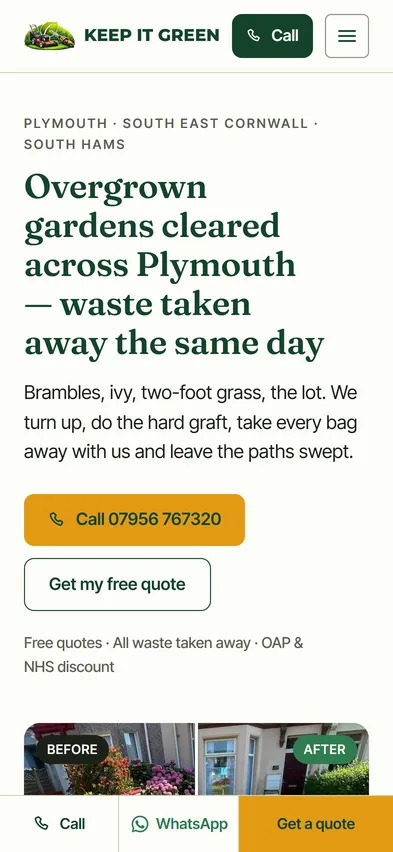
What the site is
Keep It Green Garden & Waste Services is Tyler’s small crew, working out of Plymouth into the South Hams and over the Tamar into South East Cornwall. They clear overgrown gardens, cut grass and hedges, take down trees, jet wash patios and take every bag of waste away with them. They’d been trading since January 2026 with a Facebook page and nothing else.
Most of it was already done
On a typical small-business website, the slowest part isn’t the building. It’s waiting for the photos, the list of services and the words about the business.
Here, Tyler had done all of that without meaning to. The logo was on the van. The Facebook page had close to ninety posts, more than three hundred photos, most of them jobs before and after, and eighteen written recommendations. The services were listed in his posts and on his leaflet.
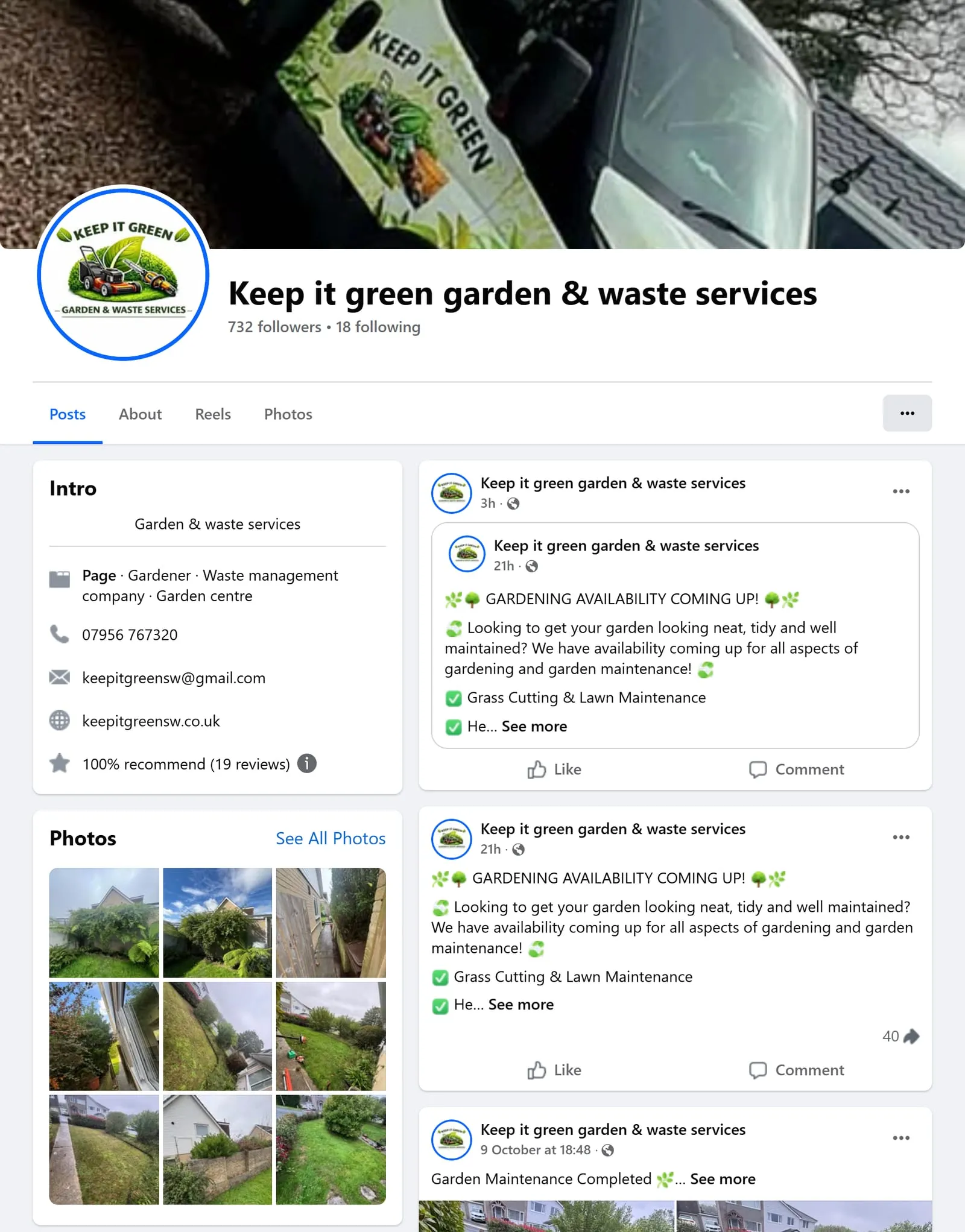
His Facebook page today. The logo, the van, the photos and the recommendations were all here when I started. The website address in the intro is new, so the page and the site point at each other.
So I built a first draft from that, and it took about two days. Nothing had to be written from scratch or chased up. From Tyler saying yes to the site being live took a couple of days, and it was showing in Google within 24 hours of launch. A business that has already put that much of itself online is quick to build a website for, and that keeps the cost down.
What I built
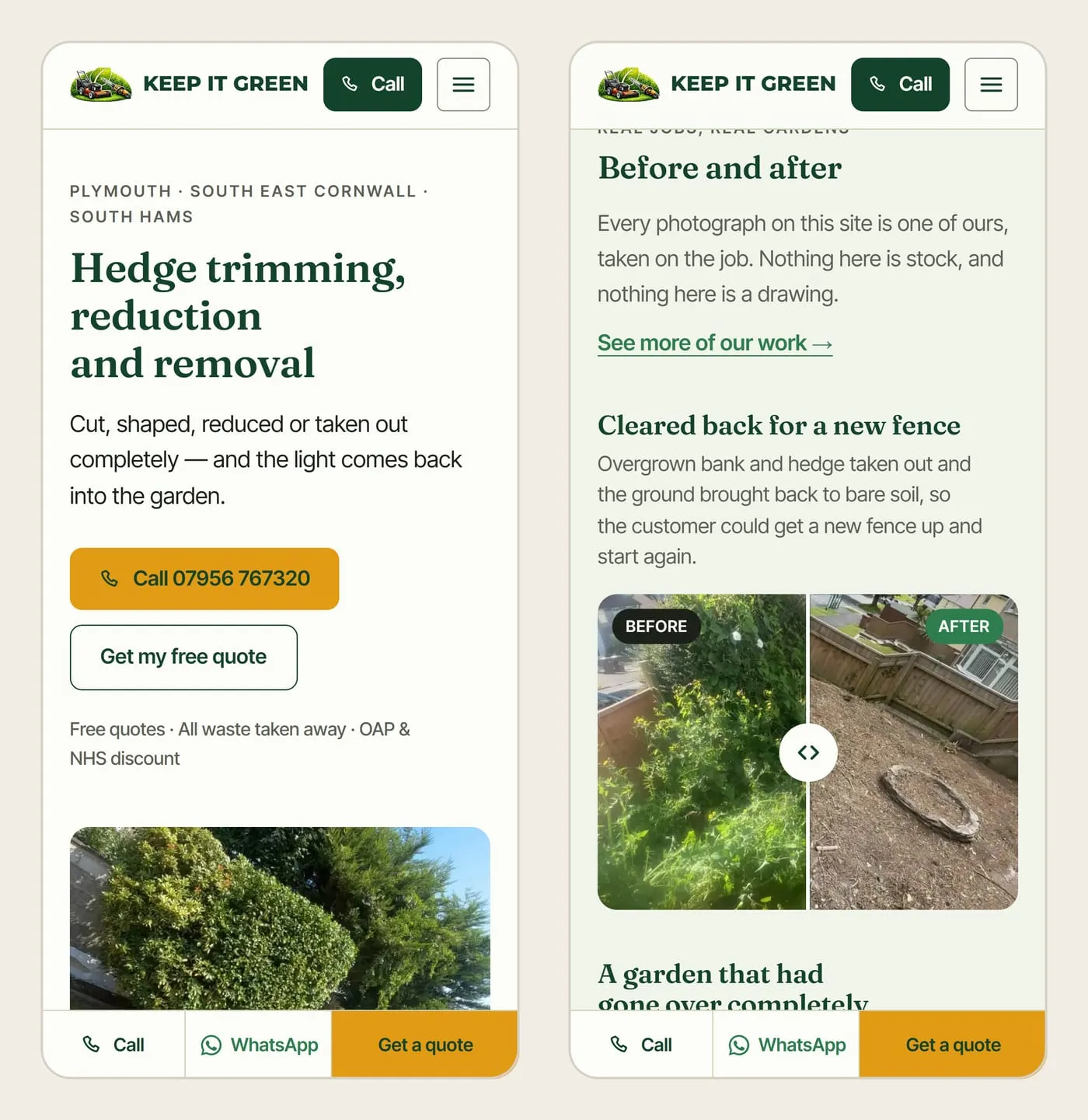
A page for every service. Garden clearances, grass cutting, hedge trimming, waste removal, tree felling and jet washing each have a page of their own, with their own photos, their own before and afters and the questions people actually ask about that job. So when someone searches “hedge trimming Plymouth”, there’s a page that matches exactly what they asked for, not a homepage they have to dig through.
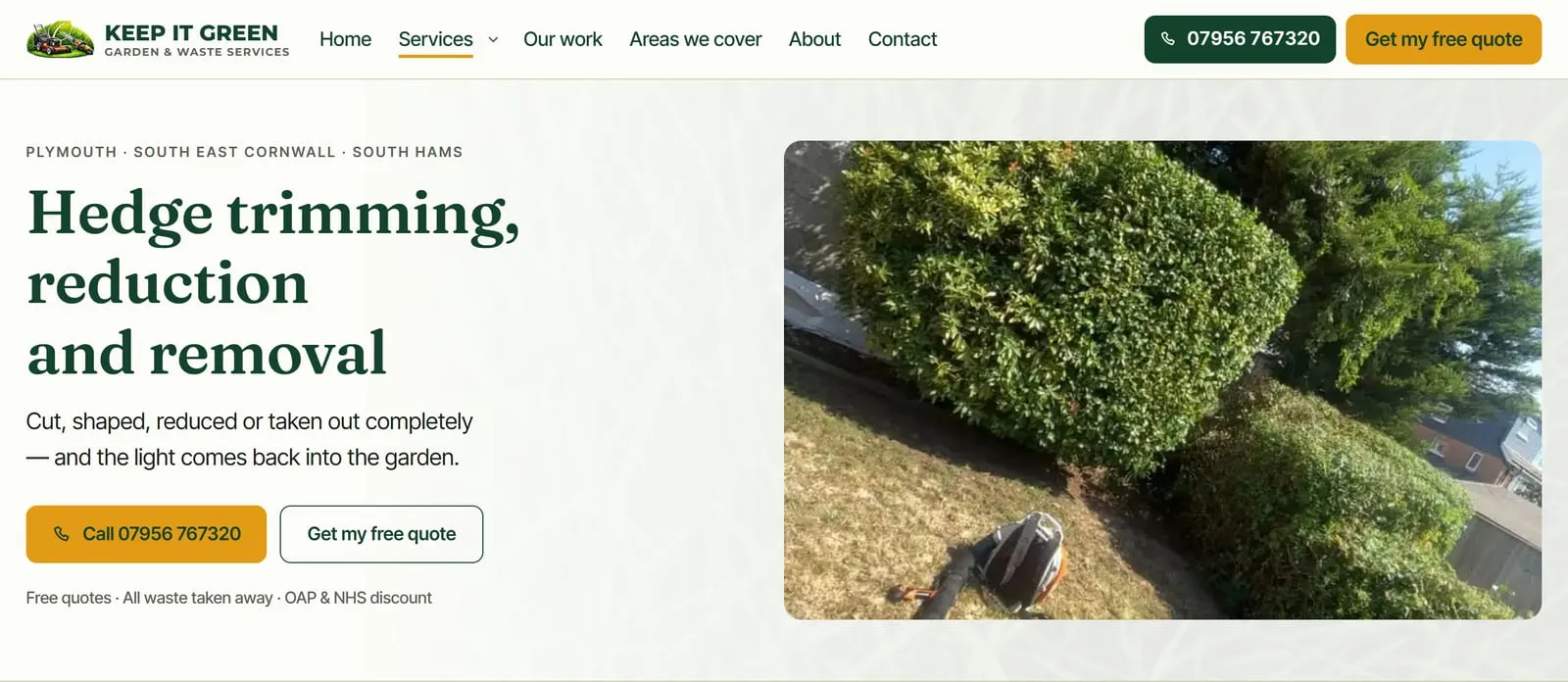
One page per job, written for the person searching for it.
The towns go on one page of their own: twelve of them, from Tavistock down to Wembury, each with a couple of sentences written for that place. The tempting shortcut is a page for every service in every town, which here would be seventy-two pages saying nearly the same thing. Google treats that as spam, so there aren’t any.
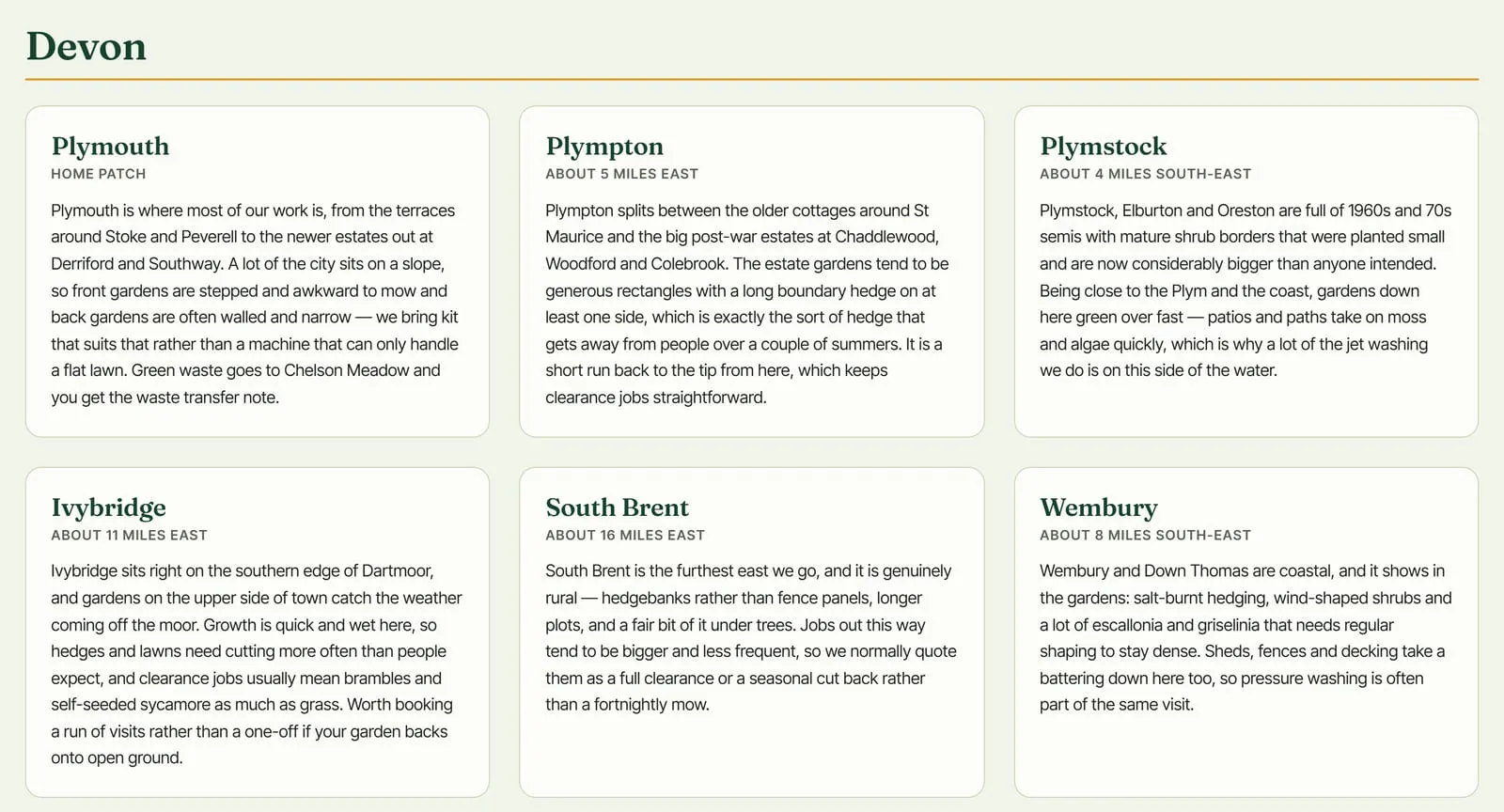
Each town gets something only its own customers would recognise, from Plymouth’s stepped front gardens to the salt-burnt hedges in Wembury.
His photos, matched up. Every photograph on the site is Tyler’s. The before and afters are grouped by job and checked by eye to make sure both frames really are the same garden, then set side by side with a handle you can drag to wipe from one to the other. Each service page opens on a finished garden rather than a ruined one, because the top of a page should show the result, not the problem.
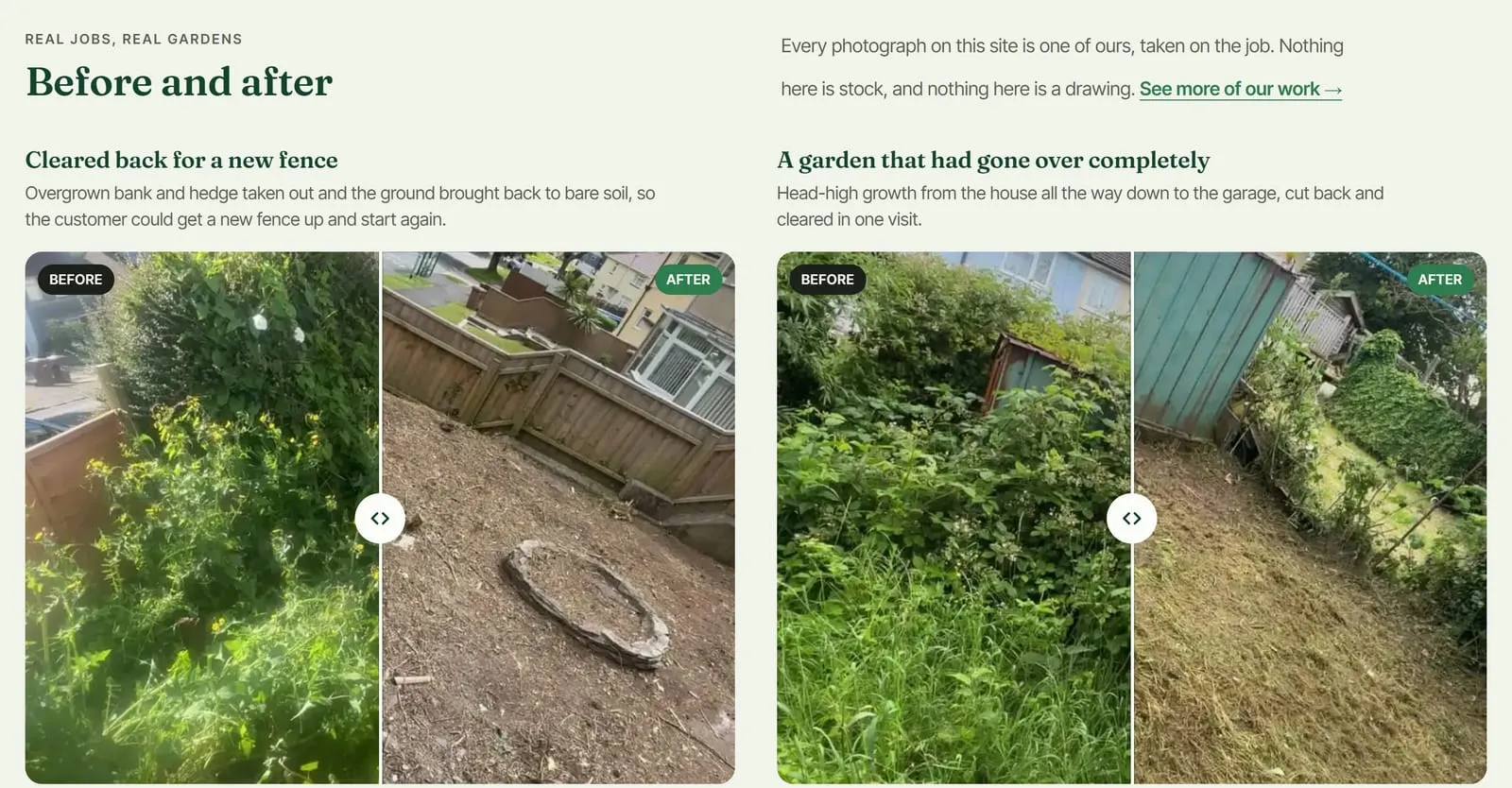
Real jobs, real gardens, and a line under each heading saying what was done.
The reviews, word for word. Customers’ Facebook recommendations are quoted exactly as they were written, spelling included, with a link back to the originals. There are no stars beside them, because Facebook stopped doing star ratings years ago and putting some there would be inventing them.
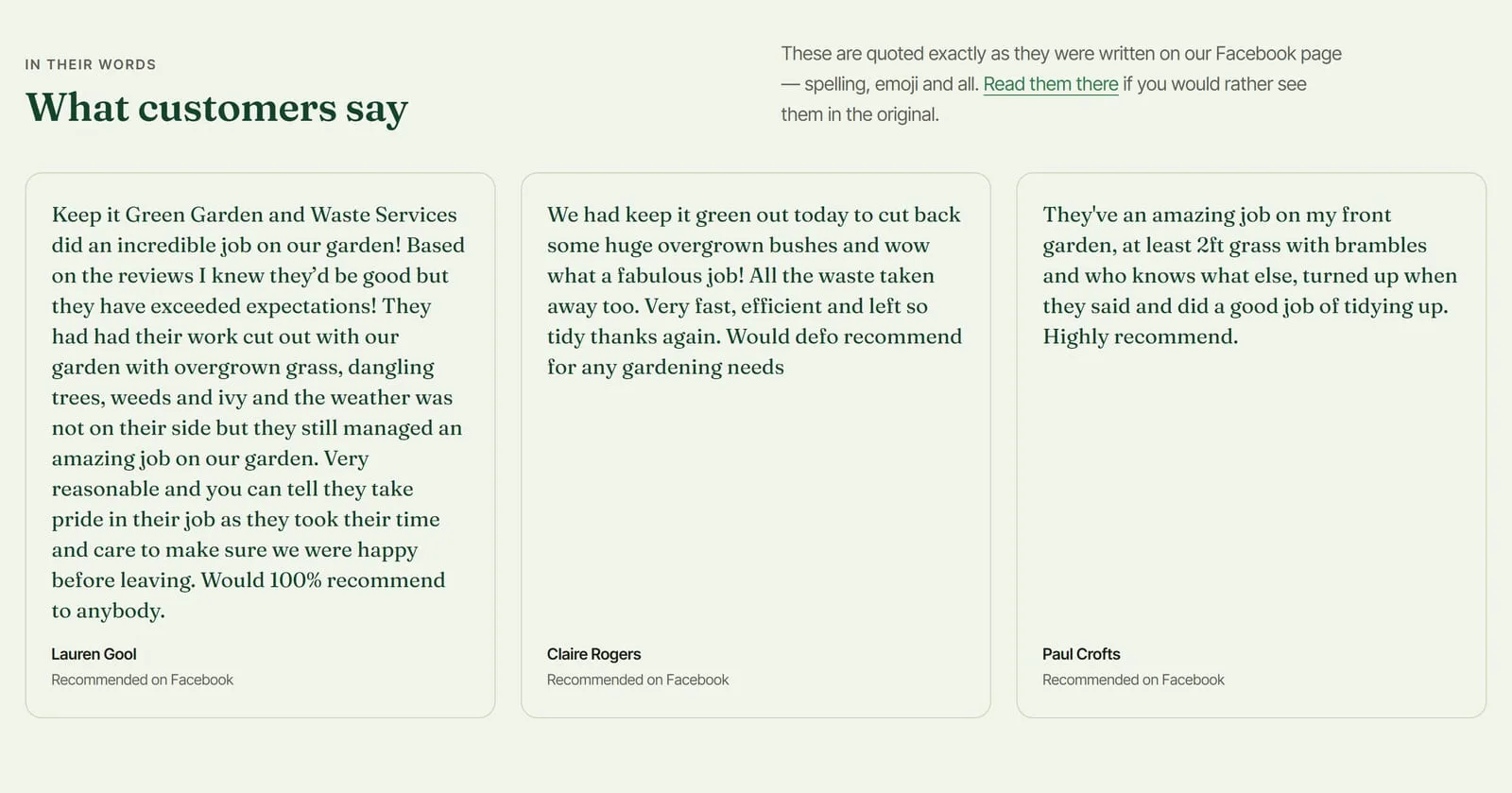
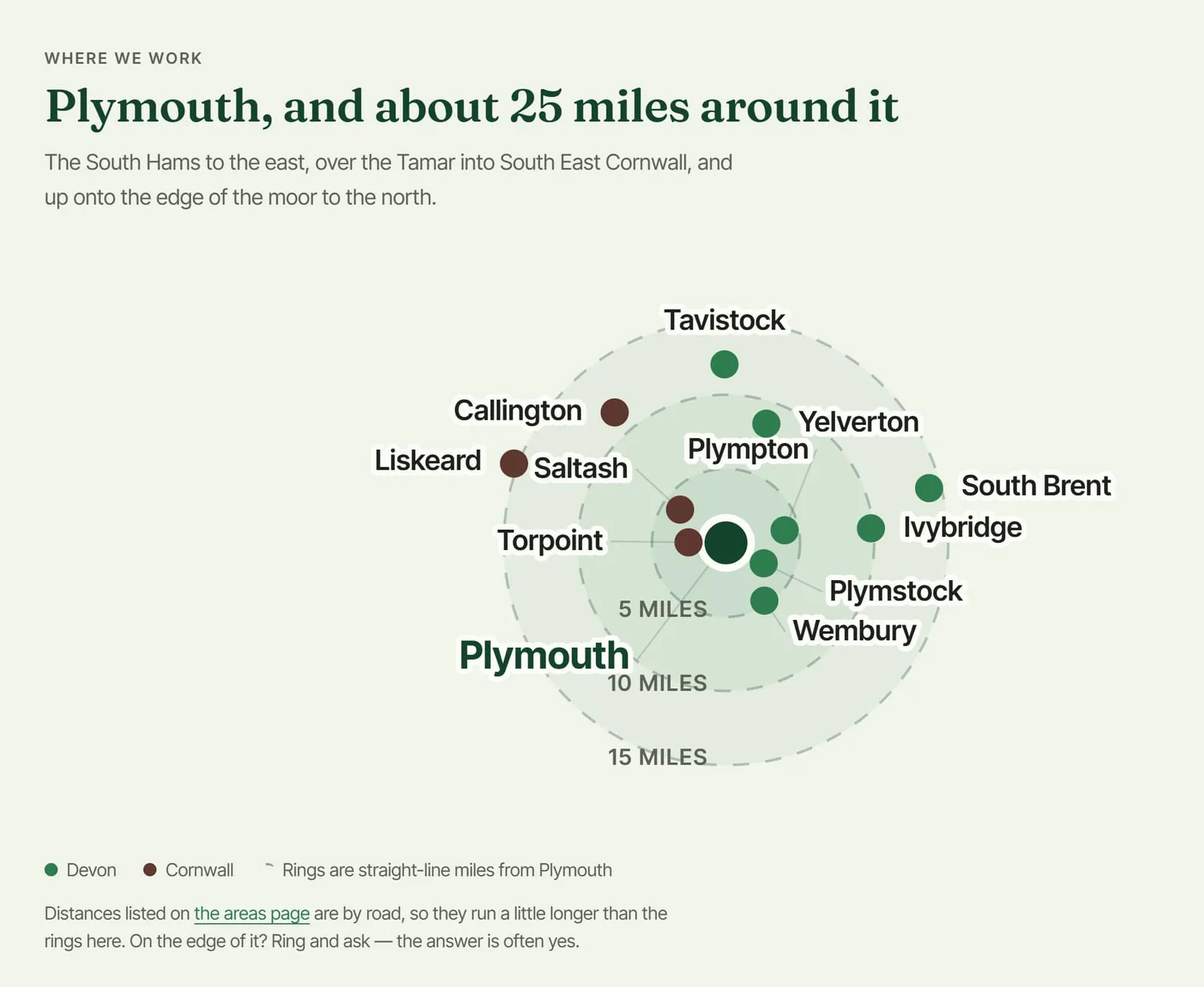
A map that answers “do you cover me?” The contact page has a coverage map drawn for the site from the real positions of the towns they work in, instead of a Google Maps embed. It loads nothing from anyone else, tracks nobody, and answers the one question a map on a trade site is there for.
The details that help a stranger trust them. The things customers kept mentioning in their recommendations became a section of the homepage: turning up when they said, taking every bag of waste away, sweeping the paths, and taking the time to get it right. The site says where the waste goes, and Tyler’s waste carrier registration, checked against the Environment Agency’s public register, is in the footer of every page.
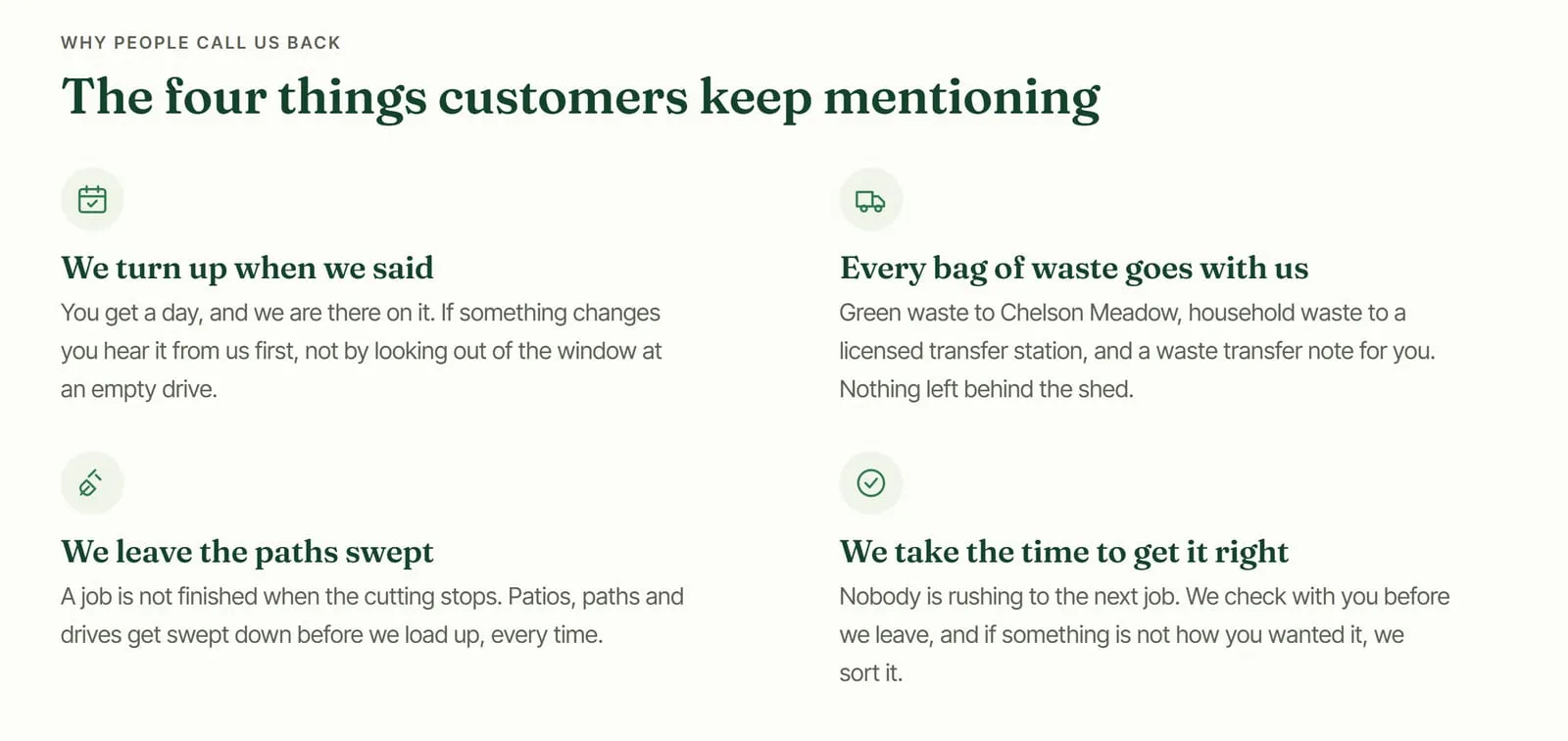
Lifted from what the reviews kept saying, and backed up by where the waste actually goes: green waste to Chelson Meadow, with a waste transfer note for the customer.
Easy to get hold of. The quote form asks five questions and takes up to four photos, because a couple of pictures of a garden is usually enough to price it without a visit. It has an invisible spam check rather than a puzzle, and for anyone who’d rather not fill in a form, the phone number and WhatsApp sit just above it.
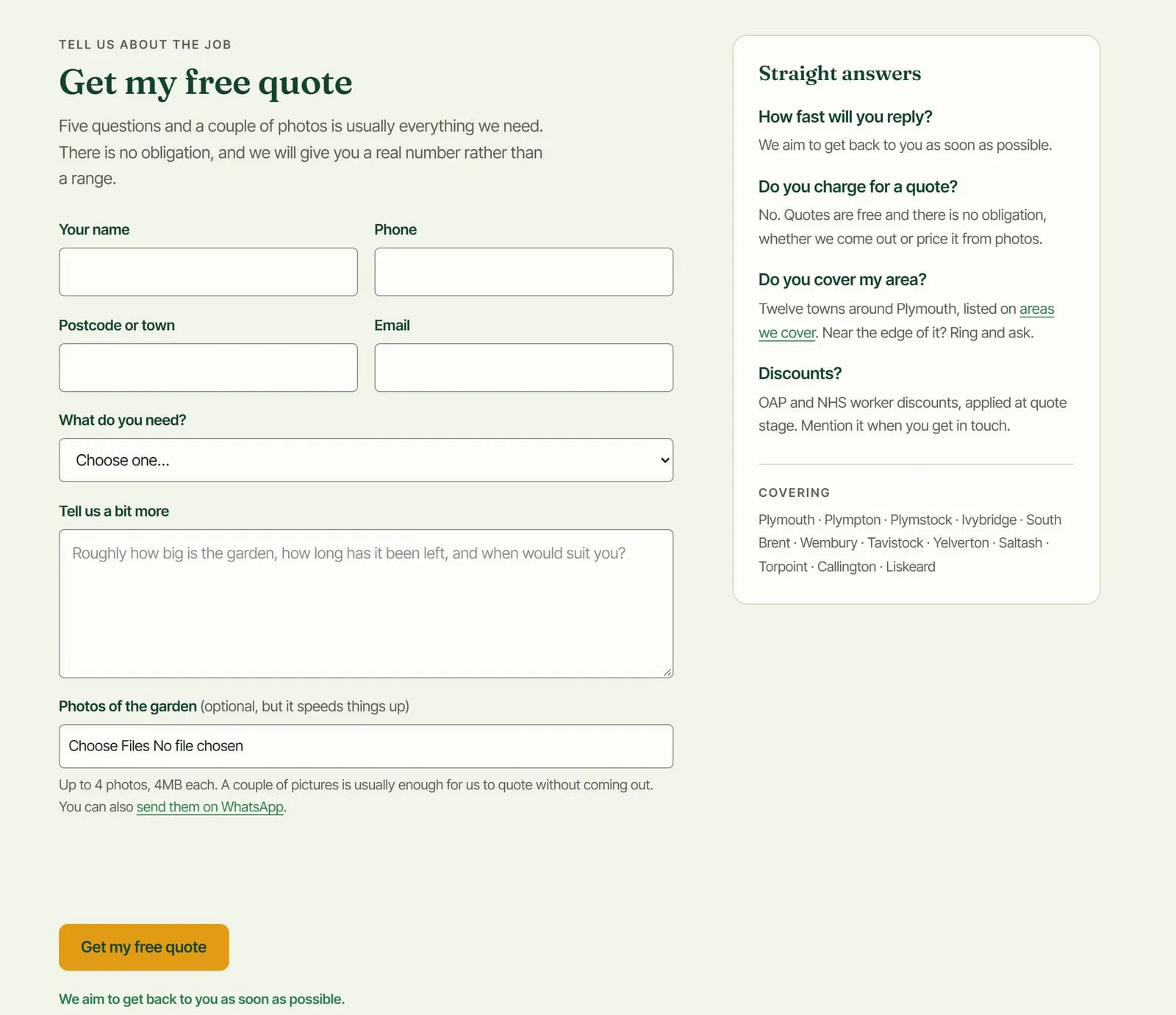
The questions people ask before they get in touch are answered right beside the form.
On a phone, every page has a bar along the bottom to call, WhatsApp a photo or ask for a quote, so getting in touch is always one tap away.
Showing up wherever people look
The point of the site isn’t to replace Facebook. It’s to make sure Keep It Green turns up in every place someone might go looking for a gardener.
Facebook stays where it is, and it’s the right platform for this kind of business. It’s local in a way most social media isn’t: the community groups are where people ask “does anyone know someone who can sort my garden out?” Instagram feels more international, and it suits work that sells on looks, like hair and beauty, better than it suits hedges.
Google search is where the website does its job. A Facebook page rarely comes up when someone types a service and a town. A page written about that service, for that area, does.
Google Maps comes from a Google Business Profile, which Tyler didn’t have yet, so I helped him set one up. It has to be in the owner’s name, and it’s what puts a business on the map and in the local results. It’s also where star ratings come from, which Facebook no longer gives him.
AI assistants are where more and more people now ask who to use, whether anyone likes that or not. The site says plainly what the crew does, where they work and what customers think of them, with structured data behind it, so an assistant reading it has facts to repeat rather than guesses.
Why it matters
A social feed shows the work you’re doing this week. In winter, Tyler’s fills up with winter jobs, so someone scrolling it in January to plan a summer hedge cut sees clearances and not much else. The website shows all six services equally, all year round, and the best before and afters stay at the top instead of sinking. I’ve written more about that in Facebook shows the work you get, your website shows the work you want.
A business that’s good at showing its work on social media has already done the hard part of a website without noticing. Putting that work where Google, Maps and AI assistants can find it is the quick bit.
// keep reading
Other case studies
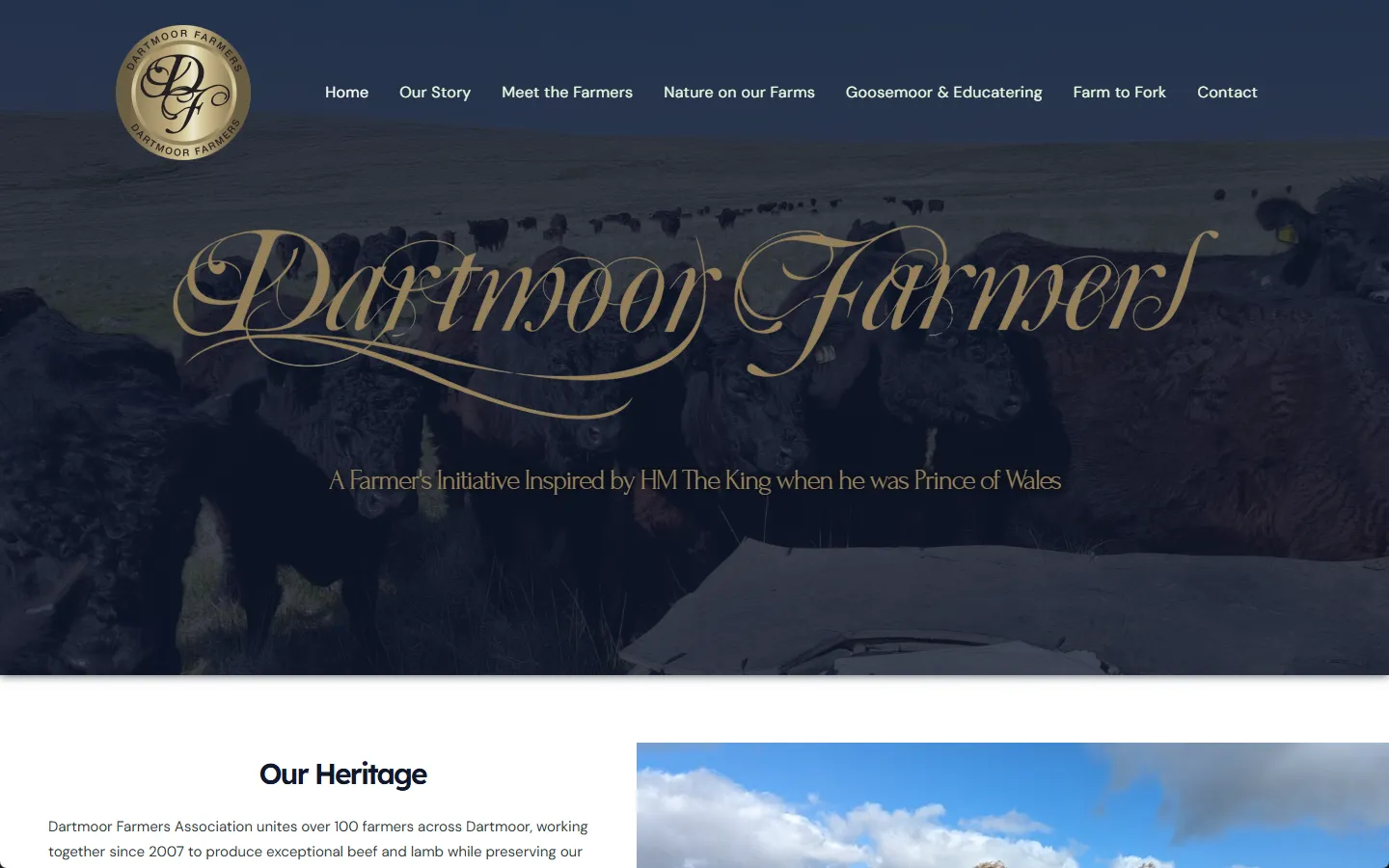
A site for 100 Dartmoor farmers: copy, video, and a brand story
Dartmoor Farmers Limited
Full site, all copy written from scratch, plus on-farm video production.
- WordPress
- Elementor Pro
- WPForms
- Yoast SEO
- +1 more
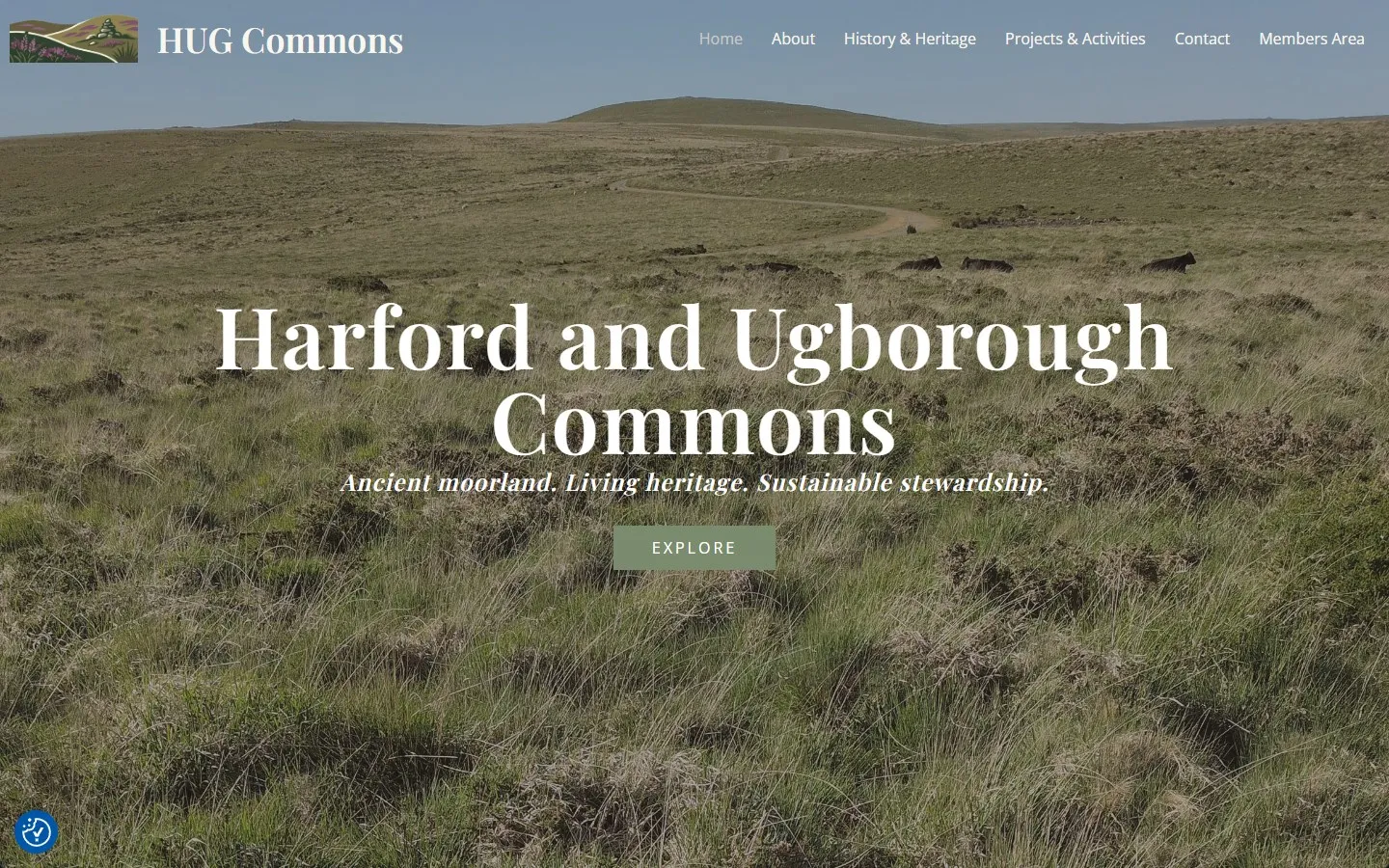
A members area and public site for 1,671 hectares of Dartmoor
Harford & Ugborough Commoners' Association
Custom members-only document system plus a full public-facing site, copy written from scratch.
- WordPress
- Elementor Pro
- Custom PHP
- WPForms
- +2 more